Go to the Credits page in the Billing section of the Member Portal: https://members.runwayea.st/billing/credits
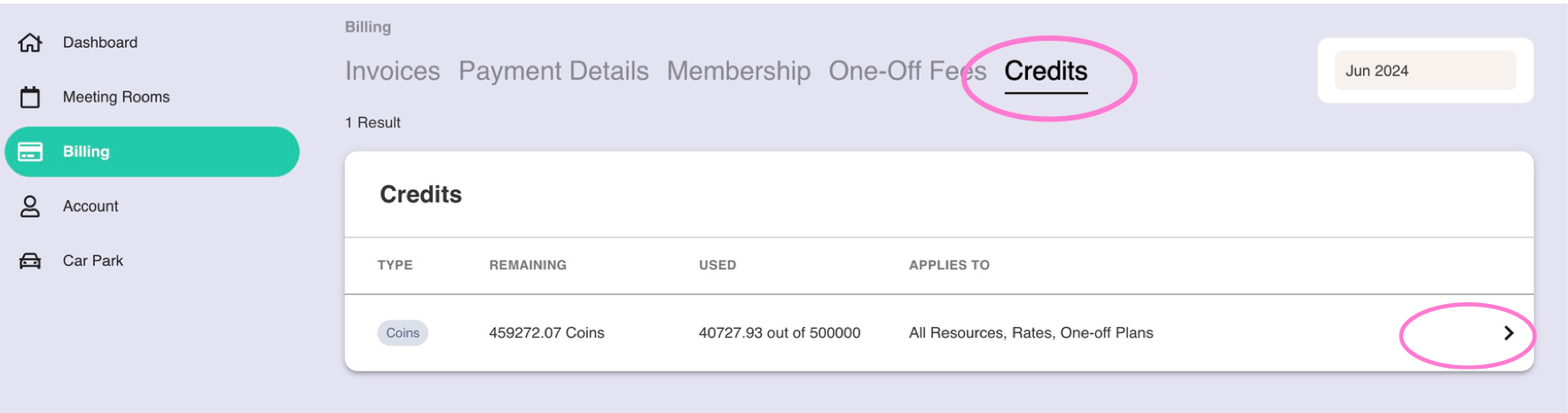
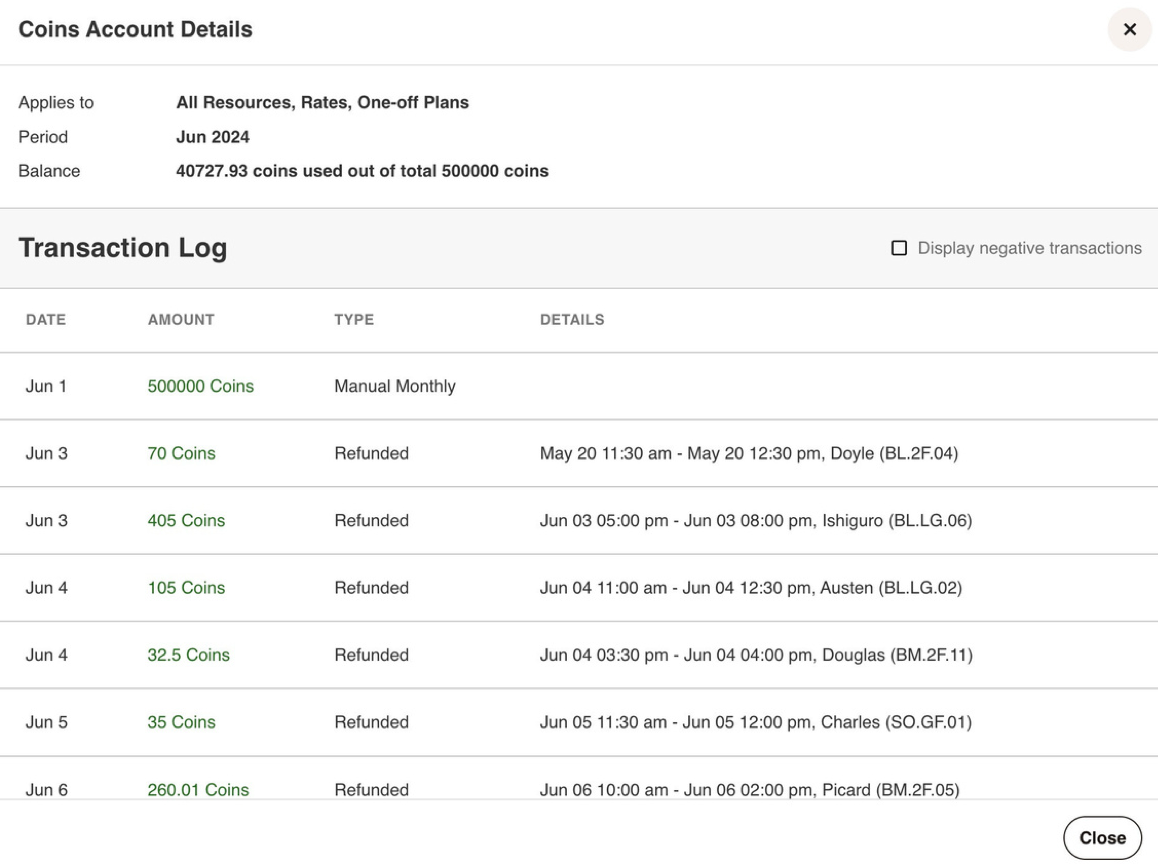
Here you can see your remaining credit balance this month. By clicking on the arrow, you can see a full list of all of the bookings that your team have made which have affected your credit balance.
Restricting Bookings
If you only want certain people in your team to be able to make bookings, contact support@runwayea.st and we will modify your account.
Was this article helpful?
That’s Great!
Thank you for your feedback
Sorry! We couldn't be helpful
Thank you for your feedback
Feedback sent
We appreciate your effort and will try to fix the article