You can access the Team Members page here: members.runwayea.st/account/team-members.
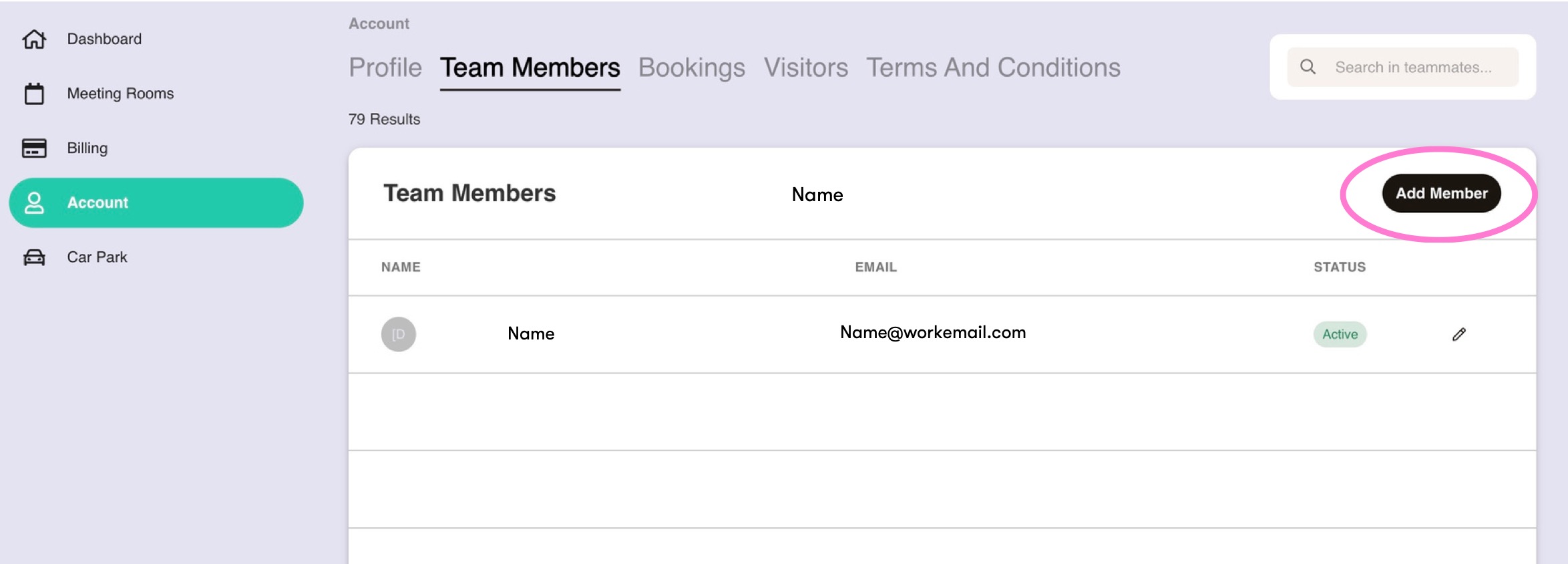
Click 'Add Member', and input their name and email address.
For members who will be using the building, set their status to 'Active'. If you have team members who need updates but don't need an access pass, select 'Contact'.
All new Active members will be sent a link to the portal, where they will upload a picture and set their first day in the office. Our site team will be alerted so their pass is ready for them on their first day.
Was this article helpful?
That’s Great!
Thank you for your feedback
Sorry! We couldn't be helpful
Thank you for your feedback
Feedback sent
We appreciate your effort and will try to fix the article