Our Member Portal allows you to book Meeting Rooms and Phone Booths at all sites. You can view, make or change a booking after creating an account with your company email address.
You have a certain amount of credits allocated to your company per month. If you go over these allocated credits, you will be charged depending on the meeting room size, billed at the end of the month.
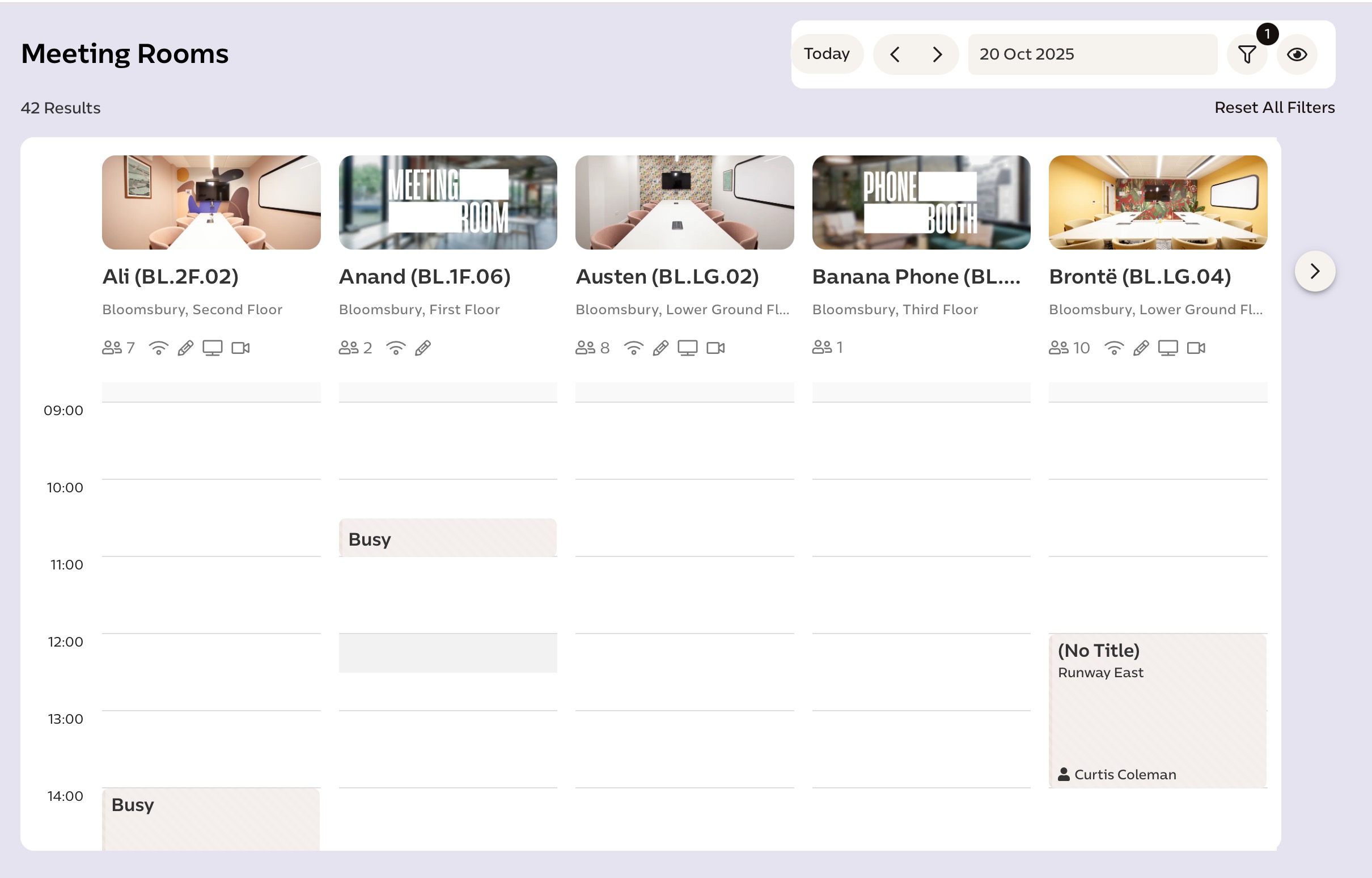
To filter by floor or size, or view meeting rooms at a different location, click the filter button in the top right corner. You can also sort rooms by whether they have a TV, whiteboard or natural light.
Was this article helpful?
That’s Great!
Thank you for your feedback
Sorry! We couldn't be helpful
Thank you for your feedback
Feedback sent
We appreciate your effort and will try to fix the article