Company Address
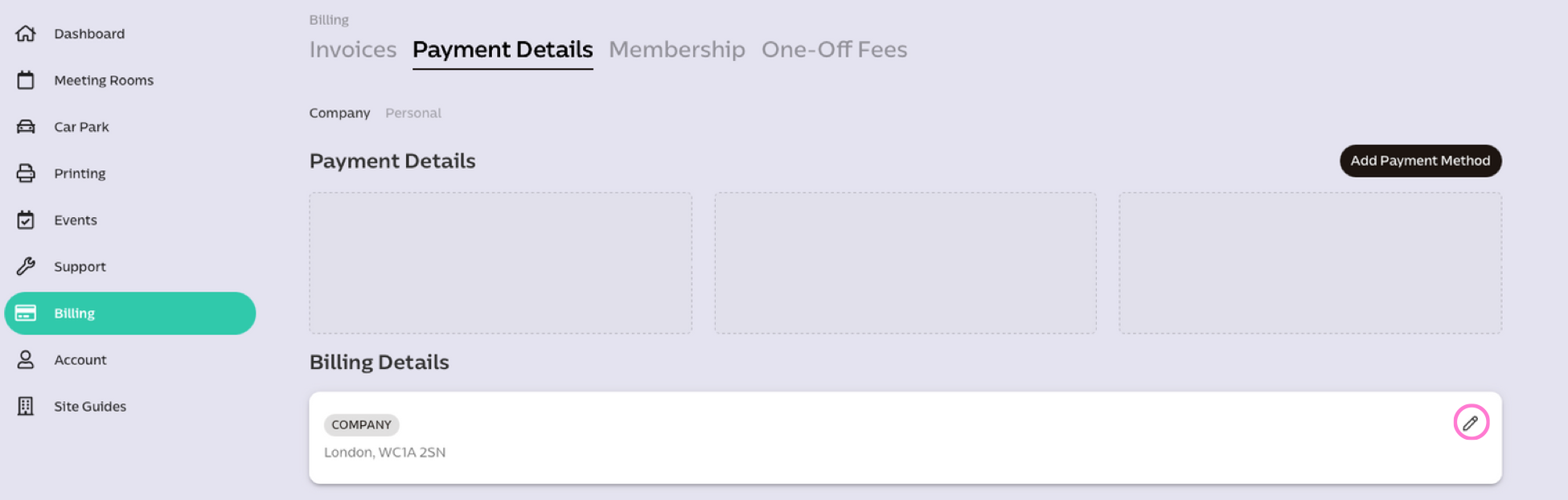
You can update your company's billing address by going to the Payment Details page on the portal. Click the pencil icon to change your info.
Company Contact Email
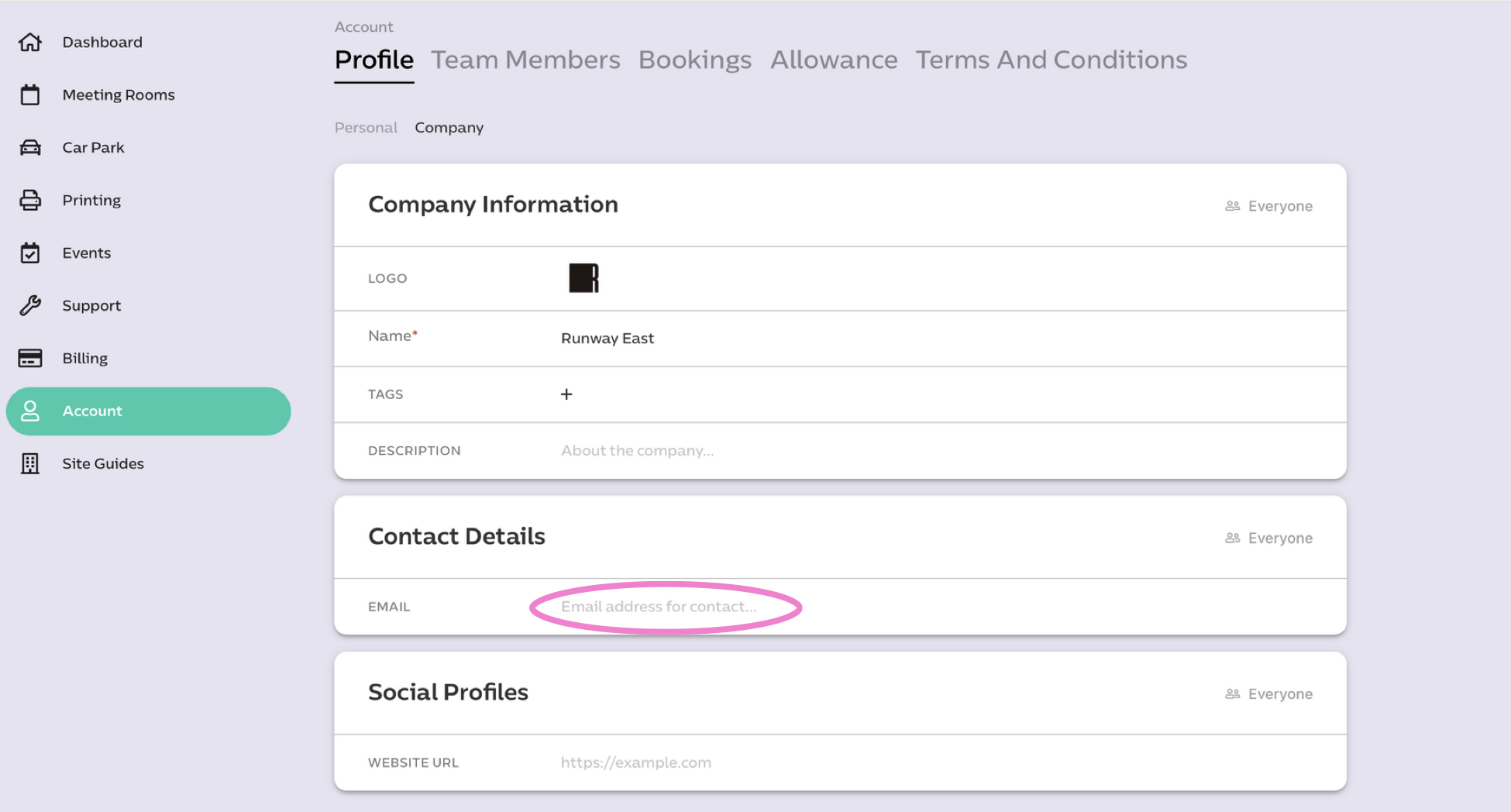
You can change your company's primary contact email (used for post notifications, health and safety emails, etc.) on the Company Profile page on the portal.
To update your company's billing contacts, email billing@runwayea.st.
Was this article helpful?
That’s Great!
Thank you for your feedback
Sorry! We couldn't be helpful
Thank you for your feedback
Feedback sent
We appreciate your effort and will try to fix the article