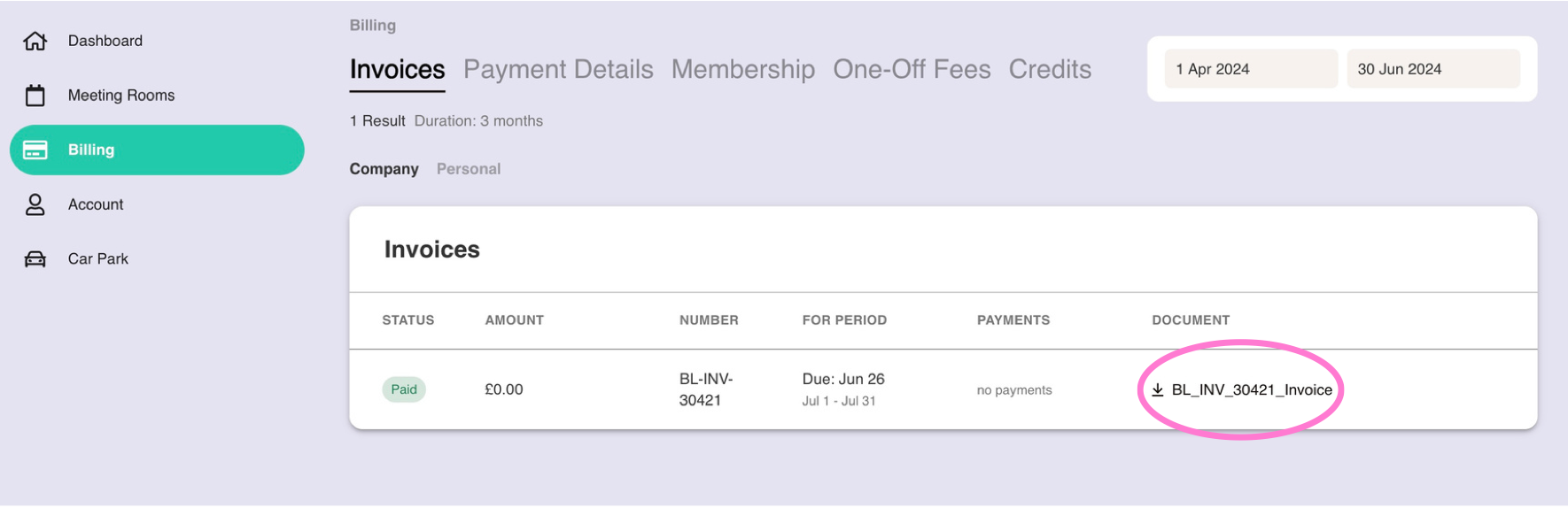
You can find all of your company's invoices on the Billing page: https://members.runwayea.st/billing/invoices
Click on the Document name to download to your computer.
Any enquiries about invoices should be directed to billing@runwayea.st.
Was this article helpful?
That’s Great!
Thank you for your feedback
Sorry! We couldn't be helpful
Thank you for your feedback
Feedback sent
We appreciate your effort and will try to fix the article