When you have a recurring booking on the member portal, but you want to cancel/change one occurrence:
Go to the Bookings page, and click the pencil icon by the booking you want to amend.

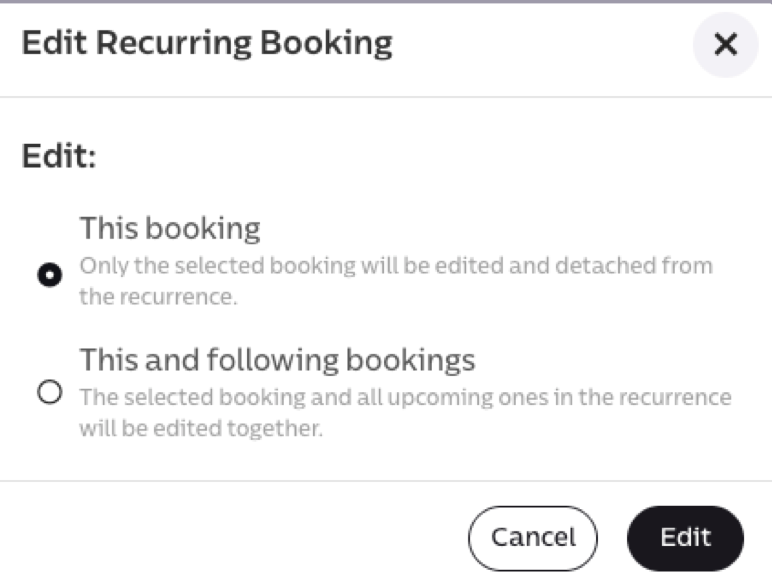
You then have the option to make a change for that specific booking, or all of the recurring bookings in that sequence.
Was this article helpful?
That’s Great!
Thank you for your feedback
Sorry! We couldn't be helpful
Thank you for your feedback
Feedback sent
We appreciate your effort and will try to fix the article